Free tools
Best free social media tools for a lean publishing workflow
Free tools are most useful when you know their limits. This shortlist covers native scheduling, small free queues, planning templates, and creative research without treating a trial as a permanent free plan.
How this shortlist is organized
We publish Postnchill and include two of our own free planning tools below. This is a practical shortlist based on published free-plan limits and tool purpose, not a lab test or an independent ranking. “Free” means a continuing free feature or tier; trials are called out separately.
The shortlist
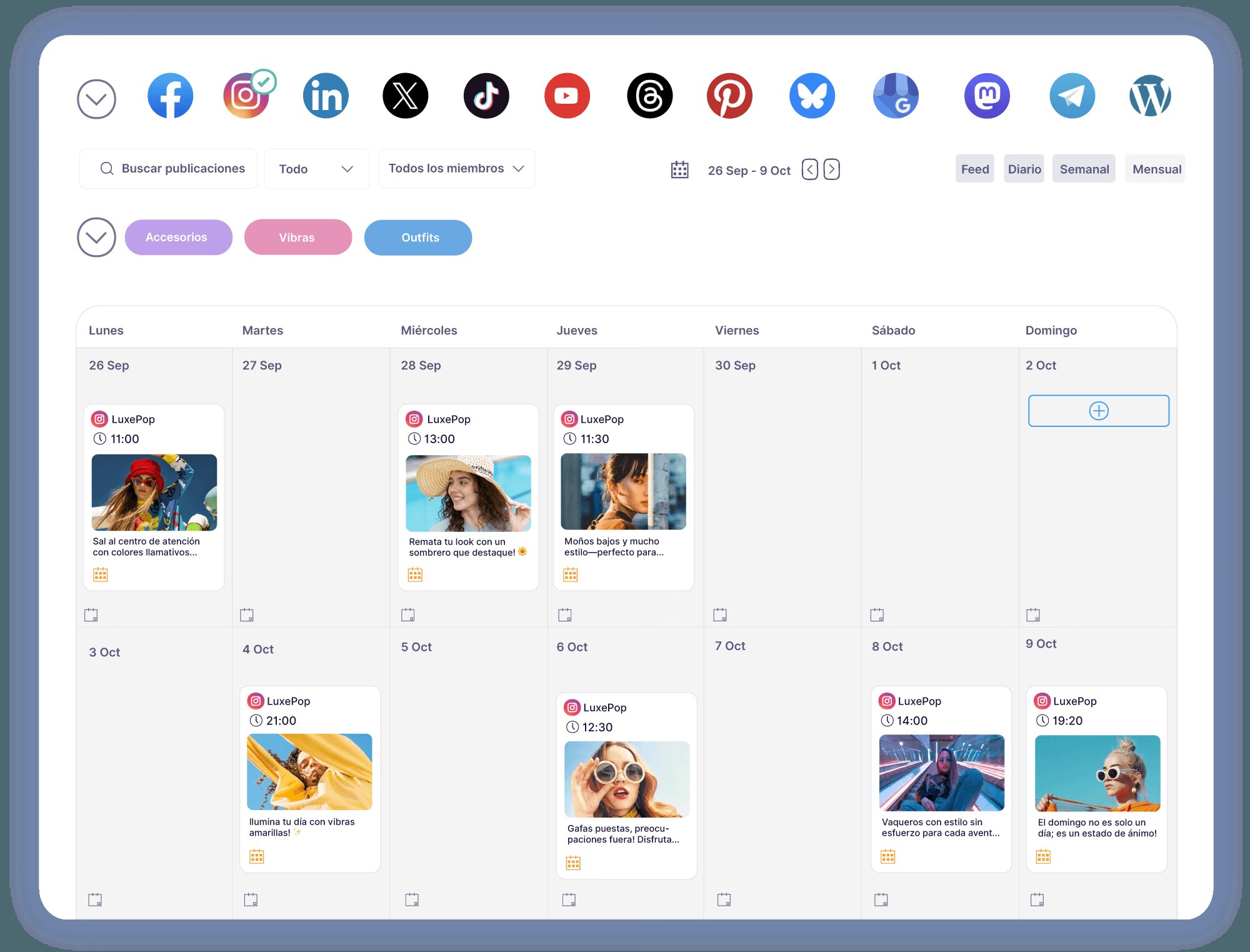
Start with the free scheduling features built into the platform you already use. If you need one calendar across networks, compare the free tiers below. For ideation and planning, use free first-party resources and a simple template before paying for a broad suite.
LinkedIn native scheduling
LinkedIn lets members and eligible Page admins schedule supported posts for free. The documented window is 10 minutes to three months ahead. Use this when LinkedIn is your only destination and you do not need a cross-network queue.
Buffer Free
Buffer Free supports up to three channels with 10 scheduled posts per channel at a time. It is useful for a small, multi-network presence; count each connected profile or Page toward the channel cap.
Publer Free
Publer Free supports up to three social accounts, 10 pending posts per account, 25 drafts, and only 24 hours of published-post history. Its free plan excludes X; check the network and account-type list before you plan around it.
TikTok Creative Center
TikTok describes Creative Center as a free, public resource for trend discovery, ad examples, and creative inspiration. Treat the examples as ideas to research, not a promise that repeating a trend will produce the same result.
Postnchill planning tools
The free calendar template is a blank planning file; it does not connect accounts or publish posts. The caption length checker helps inspect text before you prepare channel-specific versions. Use them together: plan the idea in the calendar, then check each draft before publishing.
Pick the smallest stack that works
- Use native scheduling where one platform is enough.
- Use Buffer or Publer when a small, clearly limited cross-platform queue is sufficient.
- Use TikTok Creative Center for creative research, not account analytics.
- Use a spreadsheet or calendar template for planning and a caption checker for preflight; do not pay for a full suite if these solve the actual gap.
Official references and tools